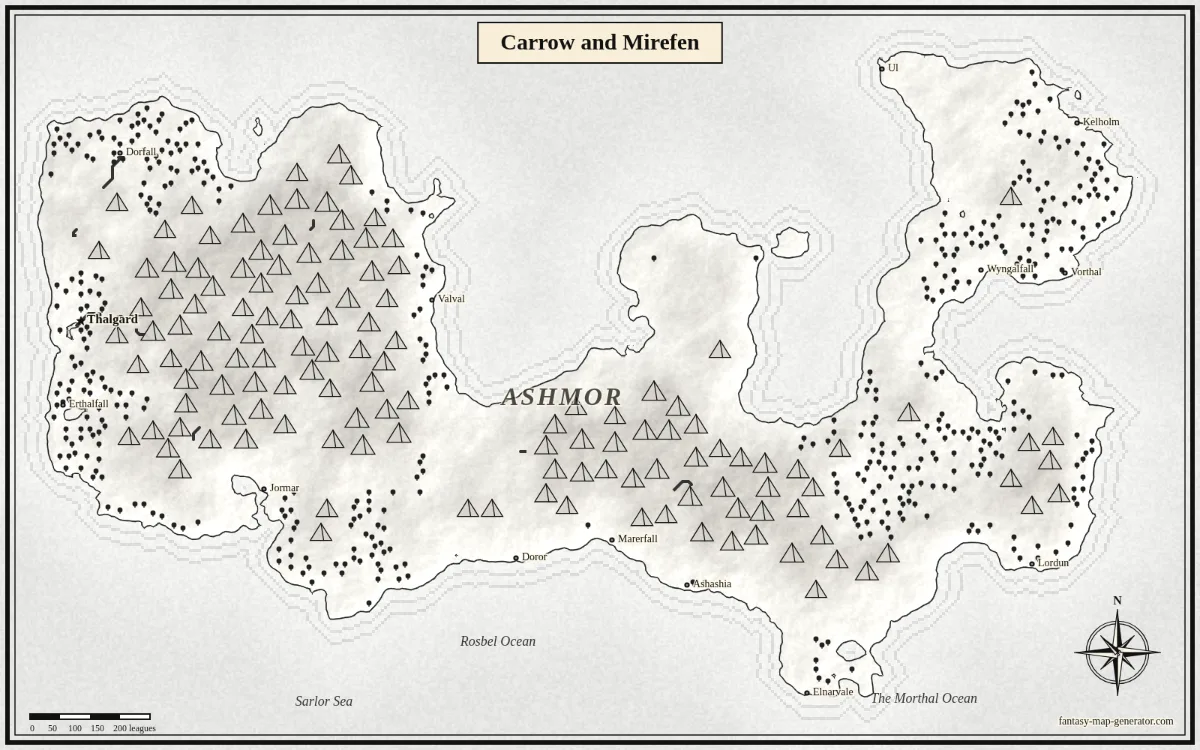
Carrow and Mirefen
Printable ink (B/W) · Two continents
Made with this generator · seed carrow
Open this seed Fantasy Map Generator
AN ADVENTURE ON PAPER
Ink-style terrain for campaign handouts, classroom geography and maps you can mark up by hand.
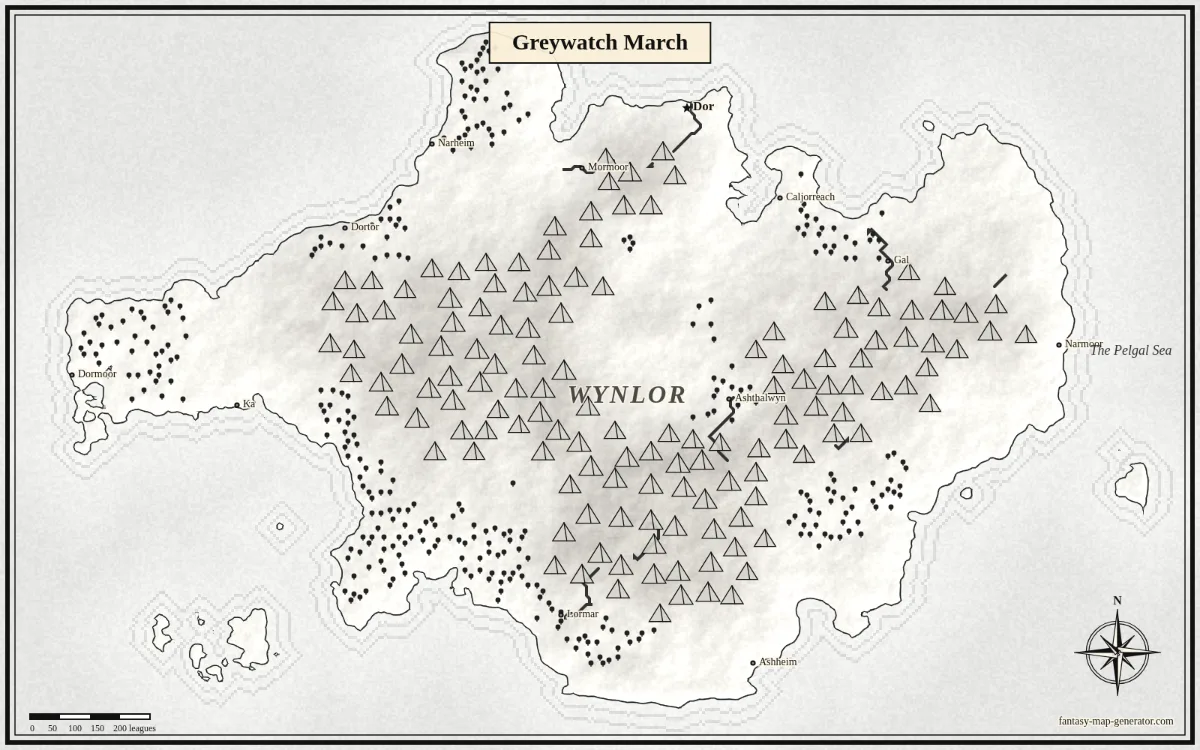
Made with this generator · seed greywatch · preparing your canvas…
A printed map works differently from a screen. Players need room to mark a route, and a classroom handout needs coastlines that stay readable after copying. This preset uses printable ink style, one continent, 42% land and a target of 14 cities. Ink style uses pale neutral terrain with dark symbols and labels, so it avoids the saturated sea and land colors of atlas style. Terrain shading remains part of the illustration; it is not a pure one-bit line drawing or a ready-made worksheet.
Download the free 1600×1000 PNG, place it in a document, and choose landscape orientation in your print dialog. Fit it to the printable area so the frame stays inside your printer’s margins. The image is not tied to Letter or A4, and the current version does not create a PDF. For a larger print, HD export provides a 4096×2560 PNG without the corner watermark for 1 credit. Check the result on your own printer before making a stack of handouts, and save the share link if you want another copy of the same map later.
MADE WITH THIS GENERATOR
Printable ink (B/W) · Two continents
Made with this generator · seed carrow
Open this seed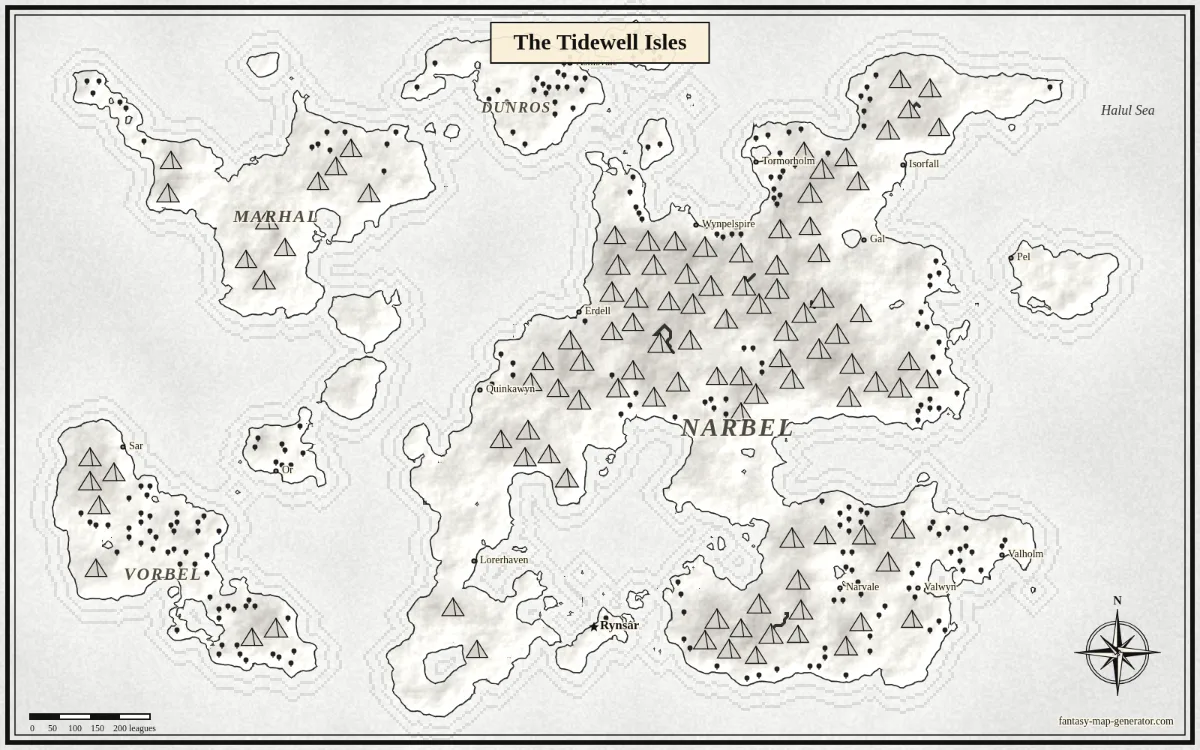
Printable ink (B/W) · Archipelago
Made with this generator · seed tidewell
Open this seed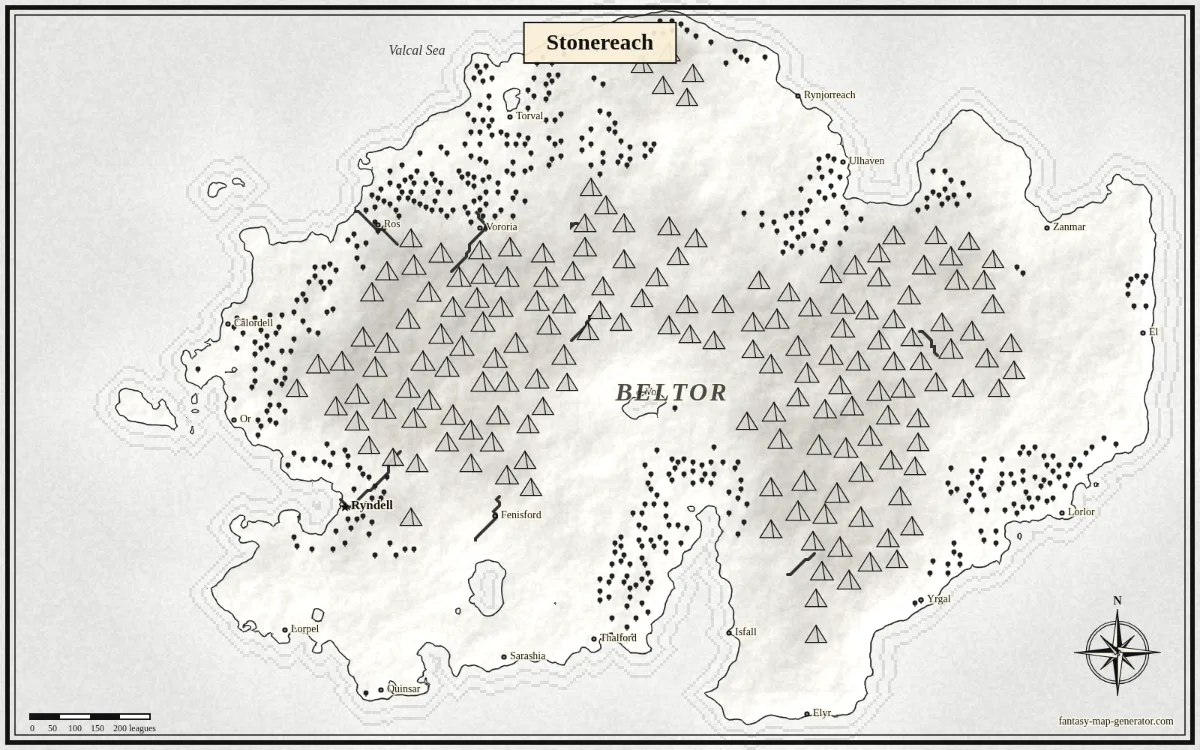
Printable ink (B/W) · One continent
Made with this generator · seed stonereach
Open this seedAT THE CARTOGRAPHER’S DESK
Yes. Put the PNG in a document or your print dialog, select landscape and fit to the printable area. The current version exports PNG rather than paper-sized PDFs.
It uses dark ink with pale neutral terrain and light shading. It is designed for grayscale printing, but it is not a one-bit black-and-white image.
No. Print your downloaded PNG as often as you need. An HD export costs 1 credit once for those map settings on your account; re-downloading that same map is free.